
Series         : Warhammer 40,000
Developer      : Flashback Games
Publisher      : Slitherine
Genres         : Turn-based strategy
                 Wargame
Graphics       : Hex Grid
                 Pre-rendered 3D
Release Info   : Steam
Other Tags     : Dad Game

Achievements   : truesteamachievements.com
not completed.
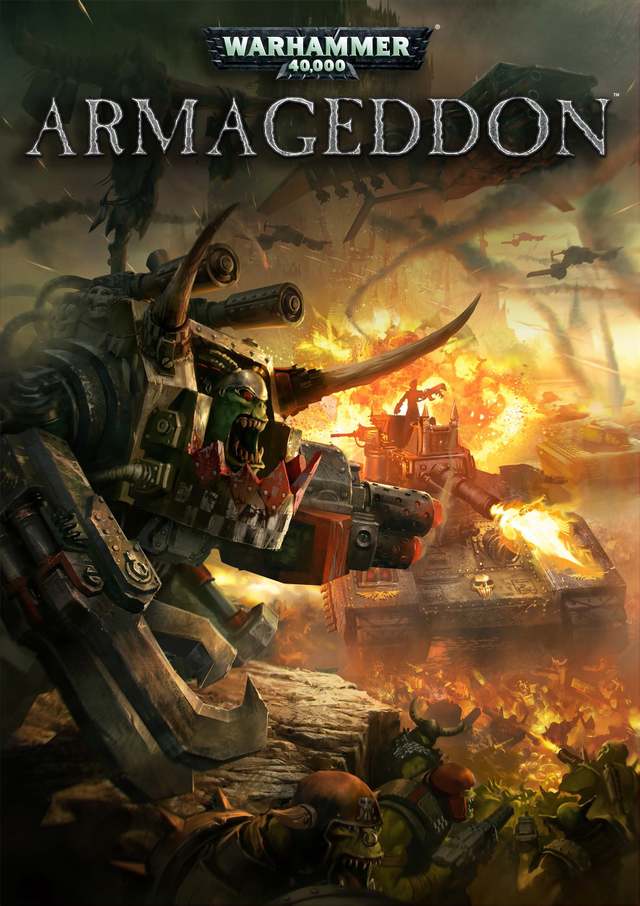
Image source: store.steampowered.com
Facts
- Playable factions: Imperial Guard/Space Marines and Orks.
The first 16 or so scenarios you're only playing with the Imperial Guard. After this, the Space Marines will show up.
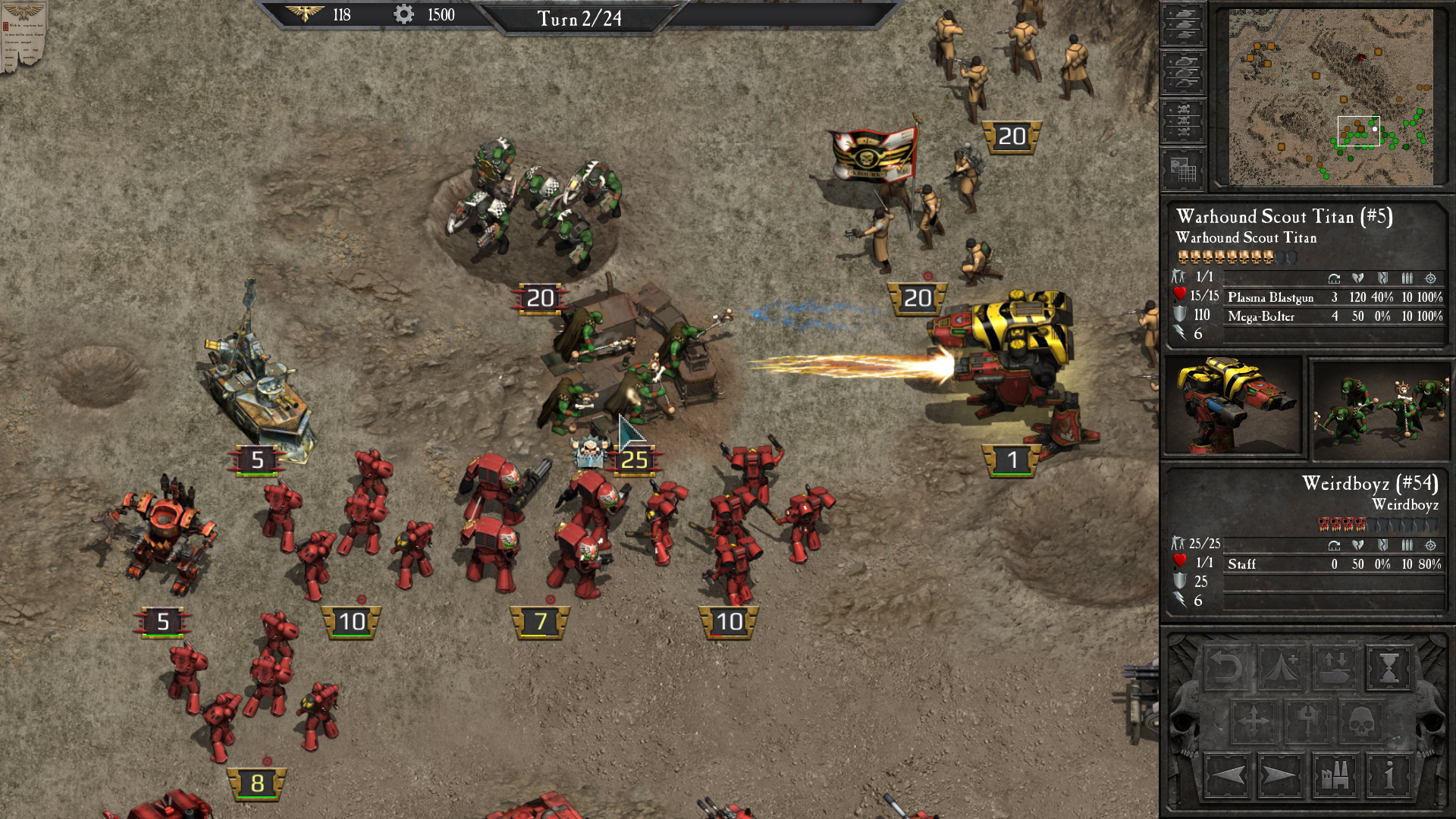
You can buy new units with Requisition Points (gear symbol) using the Purchase button, but only up to the number listed at the top left of the Purchase screen. If a unit is destroyed, this number will increase, allowing you to purchase a unit as a replacement.
This game has a built-in manual, accessible from the Main Menu.
The icon underneath each unit shows a green arrow if the unit can move, a bullet if the unit can fire, and the Strength (0 means the unit is destroyed).
Infantry can heal in building tiles.
Hotkeys
[]        - Select unit
I         - Mission objectives
R         - Rest (recover HP and morale)
U         - Upgrade unit
P         - Purchase unit
Backspace - Undo move
Alt+E     - End turn/deployment
Space     - Toggle UI
Ctrl+L    - Load
Ctrl+S    - Save

Right-click on unit: Detailed stats
The tutorial has 5 missions, Act 1 (Imperial Guard only) has 12 scenarios, Act 2 (Space Marines) has 6 scenarios, Act 3 has 6 scenarios. I had to consult the game data file
2ndwar.whdatfor this information.Upgrading units is unrelated to experience, it just costs Requisition.
Analysis
For Act 2, I now have access to all the Space Marine units plus the super heavy tanks and stuff from the Imperial Guard. I think they should have designed that as a slow trickle of new units for every mission to have something to look forward to. But what do I know, I'm not a game designer.
I looked into the game directory and found where all the unit renders are. 6 256x256 renders from 6 directions (facing every hex tile edge), saved as PNG. 2247 files in total, about 127 MB.